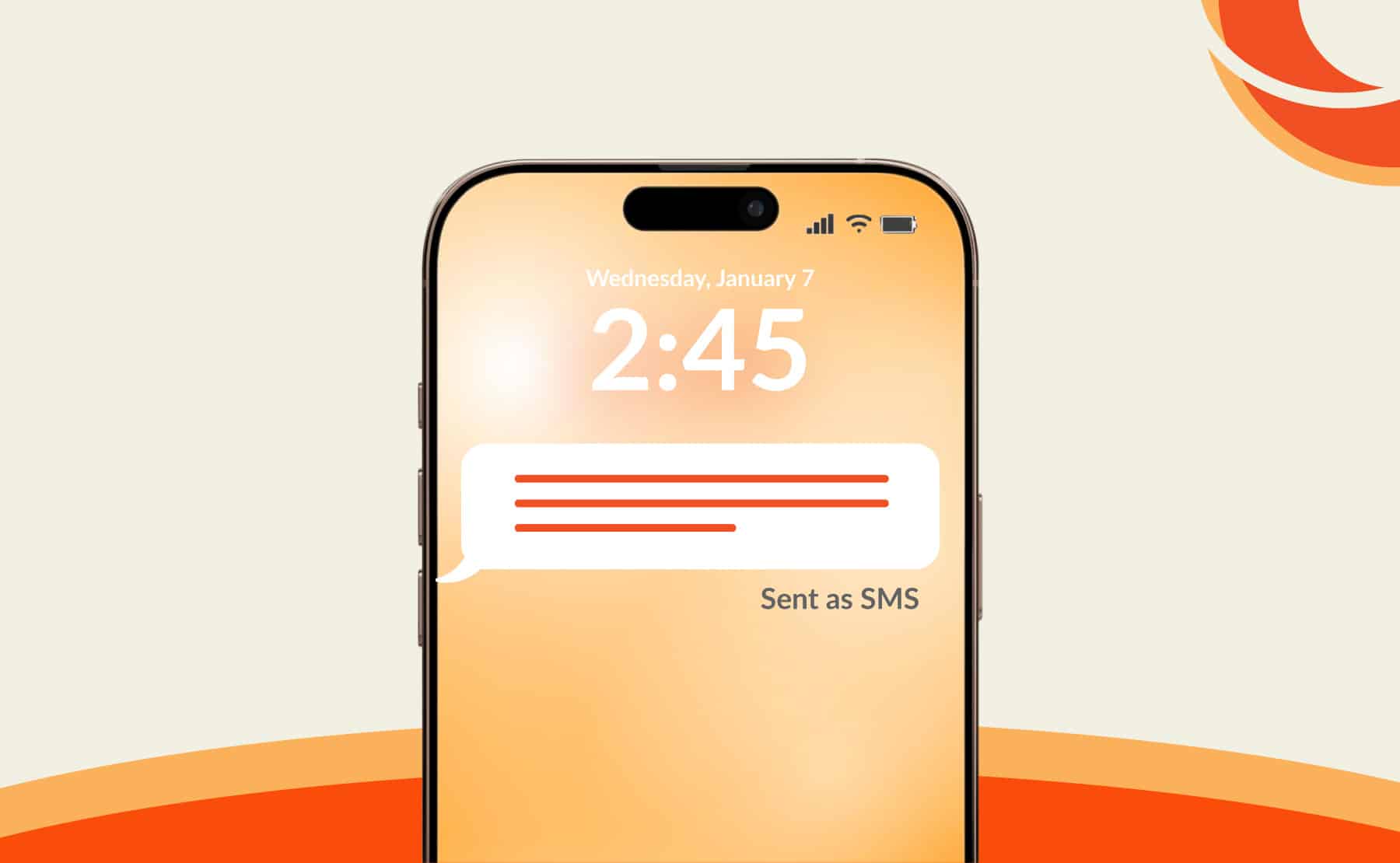
Let’s start simple. SMS, short for Short Message Service, is the traditional way of sending text messages using your mobile network rather than the internet. It’s been around since the early days of mobile phones, long before apps like WhatsApp or iMessage became the norm. When you send an SMS, your message travels through your carrier’s cellular network, not through Wi-Fi or mobile data.
Here’s the interesting part—SMS doesn’t require an internet connection at all. That’s why it still works even in areas with weak data signals. It’s reliable, basic, and almost universally supported across all mobile devices. But because it’s older technology, it comes with limitations like character limits (usually 160 characters per message) and lack of advanced features like read receipts or typing indicators.
So when you see “sent as SMS”, your phone is essentially telling you: “Hey, I couldn’t send this message over the internet, so I used the old-school method instead.”
How SMS Differs from Internet Messaging
Modern messaging apps like iMessage, WhatsApp, or RCS-based chats rely on internet connectivity. They offer features like media sharing, end-to-end encryption, and real-time delivery updates. SMS, on the other hand, is much simpler and lacks these enhancements.
Think of SMS like sending a postcard, while internet messaging is like sending a full multimedia email. Both get the message across, but one is clearly more advanced. When your phone switches to SMS, it’s often because something interrupted that “modern” pathway.
What Does It Mean When It Says Sent as SMS?
Common Scenarios When Messages Switch to SMS
When you see “sent as SMS”, it usually means your phone attempted to send the message via an internet-based service but failed. Instead of letting the message sit unsent, your device automatically switched to SMS to ensure it reaches the recipient.
This can happen in several everyday situations. Maybe your Wi-Fi dropped for a moment. Maybe your mobile data was turned off. Or perhaps the recipient doesn’t have an internet-based messaging service enabled. In these cases, your phone acts smartly by falling back to SMS.
Another common reason is compatibility. If you’re sending a message from an iPhone to a non-iPhone user, iMessage won’t work, so the message goes out as SMS instead. The same logic applies to Android messaging systems when RCS isn’t supported.
Why Your Phone Chooses SMS Automatically
Your phone is designed to prioritize delivery. It doesn’t want your message stuck in limbo. So when internet-based messaging fails, it uses SMS as a backup.
This fallback feature is usually enabled by default in messaging settings. For example, iPhones have a setting called “Send as SMS” that automatically kicks in when iMessage isn’t available. Android devices with RCS also behave similarly.
So, when you’re wondering “what does it mean when it says sent as SMS?”, the simplest answer is: your phone switched to a more reliable, universal method to make sure your message gets through.
Does “Sent as SMS” Mean Delivered?
Delivery vs Sent Status Explained
This is where things get a bit tricky. “Sent as SMS” does NOT necessarily mean your message was delivered. It only confirms that your message has been successfully sent from your device to your carrier’s network.
Delivery depends on whether the recipient’s phone is reachable and able to receive messages. Unlike modern messaging apps, SMS often doesn’t provide reliable delivery confirmations. Some carriers support delivery reports, but they’re not always enabled or accurate.
So if you’re assuming that “sent as SMS” equals “delivered,” you might be jumping to conclusions.
When SMS Delivery Confirmation Is Missing
In many cases, you won’t see a “Delivered” status for SMS messages. This lack of feedback can feel frustrating, especially if you’re used to apps that show read receipts.
Here’s the reality: SMS is a one-way confirmation system. Once your message leaves your phone, there’s limited visibility into what happens next. The recipient might receive it instantly, later, or not at all if their phone is off or out of coverage.
Why Are My Messages Being Sent as SMS?
Poor Internet Connection Issues
One of the most common reasons your messages are being sent as SMS is a weak or unstable internet connection. If your Wi-Fi drops or your mobile data is slow, your phone won’t be able to send messages through internet-based services.
In such cases, switching to SMS is actually a helpful backup. It ensures your message still gets sent, even if the experience isn’t as smooth or feature-rich.
Messaging Settings and Device Factors
Sometimes, the issue lies in your settings. If “Send as SMS” is enabled, your phone will automatically use SMS when needed. Also, if the recipient has disabled internet messaging or is using a different platform, SMS becomes the default option.
Device compatibility also plays a role. Not all phones support advanced messaging features, so SMS acts as the common ground between devices.
Does “Sent as SMS” Mean I’m Blocked?
Signs You Might Be Blocked
Seeing “sent as SMS” can make people nervous. One of the first thoughts is often: “Am I blocked?” The answer? Not necessarily.
Being blocked usually comes with other signs, such as messages never showing “Delivered” (in apps that support it) or calls going straight to voicemail. On iPhones, blocked iMessages may switch to SMS, but that alone isn’t enough evidence.
Situations That Mimic Being Blocked
There are plenty of harmless reasons why your message was sent as SMS. The recipient could have no internet, their phone might be off, or they might be using a different device altogether.
So while it’s possible that being blocked could cause messages to switch to SMS, it’s far from the only explanation. Jumping to conclusions here can lead to unnecessary stress.
Difference Between SMS and Text Messages
Are SMS and Text Messages the Same?
This is a common point of confusion. Technically, all SMS messages are text messages, but not all text messages are SMS.
The term “text message” is broader and includes SMS, MMS (multimedia messages), and internet-based chats. SMS is just one type of text messaging.
Key Differences Between SMS, MMS, and Chat Apps
| Feature | SMS | MMS | Internet Messaging |
|---|---|---|---|
| Requires Internet | No | No | Yes |
| Media Support | Text only | Images, videos | Full multimedia |
| Delivery Reports | Limited | Limited | Advanced (read receipts) |
| Cost | Carrier-based charges | Higher than SMS | Usually free (data-based) |
How Messaging Apps Handle SMS Fallback
iMessage vs SMS Behavior
Apple’s iMessage automatically switches to SMS when it can’t send messages over the internet. This is why you might see blue bubbles turn green. That color change is your visual clue that the message was sent as SMS.
Android Messaging Systems Explained
Android devices using RCS (Rich Communication Services) behave similarly. If RCS isn’t available, messages revert to SMS. This ensures compatibility across all devices.
Pros and Cons of SMS Messaging
Advantages of SMS
SMS is incredibly reliable. It works without internet, has near-universal compatibility, and is simple to use. It’s also less dependent on apps or software updates.
Limitations of SMS
On the downside, SMS lacks modern features. There’s no encryption, limited character count, and higher costs in some cases. It’s functional but far from advanced.
How to Stop Messages from Sending as SMS
Settings You Can Adjust
You can control this behavior in your phone settings. Turning off “Send as SMS” will prevent fallback, but it may also cause messages to fail entirely if internet messaging isn’t available.
Troubleshooting Tips
- Ensure strong internet connection
- Check messaging settings
- Restart your device
- Update your software
Final Thoughts on “Sent as SMS”
Understanding “sent as SMS” removes a lot of unnecessary confusion. It’s not a warning sign, not always a delivery confirmation, and definitely not automatic proof of being blocked. It’s simply your phone’s way of making sure your message gets sent using the most reliable method available at that moment.
FAQs
1. What does message sent as SMS mean?
It means your message was sent using your carrier’s network instead of the internet, usually as a fallback.
2. What does sent as a SMS mean on iPhone?
It indicates iMessage wasn’t available, so your phone used SMS instead.
3. Can someone receive SMS if they don’t have internet?
Yes, SMS works without internet as long as there’s cellular coverage.
4. Does sent as SMS mean failed message?
No, it means the message was successfully sent via SMS, not failed.
5. Why does my phone switch between SMS and chat?
Your phone switches depending on internet availability and recipient compatibility.